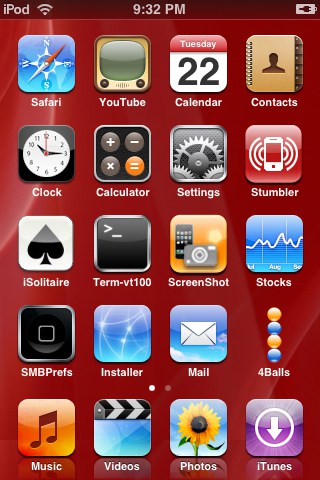
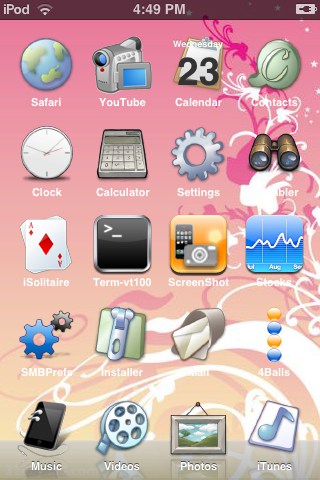
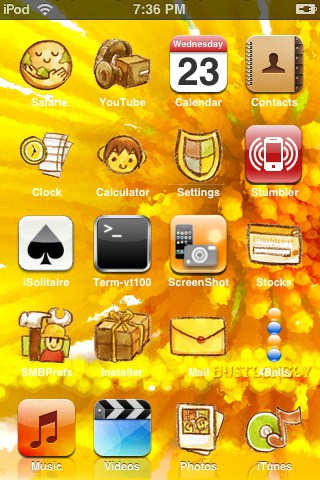
Below you’ll find 150 of the best SummerBoard themes for the iPhone and/or iPod Touch.
While trying to find a SummerBoard theme for my iPod Touch I realized how much of a hassle it was to “preview” them. Most of the time you have to actually download and install it in order to find out what it looks like. So I decided to download and install as many as I possibly could – over 220. I took screenshots of the best 150 of them, and you’ll find those screenshots in this article.
To download and install any of the themes previewed here, first make sure you have SummerBoard installed. Then launch Installer.app, click Install and scroll down to the Themes (SummerBoard) section. Locate the theme you want to install, select it and click the Install button in the upper right corner. The theme will then be available to use via SummerBoard.
Please note: I’m not trying to increase page views by breaking this into 3 pages. I just don’t want to suck up all your bandwidth (or use all of mine) by forcing you to download 150 images all on one page. Click on any of the images to view a full size version of that theme.
If it’s at all helpful, here are my 10 favorite themes: