

This guide will show you how to open and view .cbr and/or .cbz files, which are often used for comics and ebooks.
Have you ever came across a .cbr or .cbz file? Well, these are basically .rar and .zip files that are meant to be used with comic reading programs. My favorite comic book reading program is CDisplayEx.
Start out by downloading CDisplayEx. After you have CDisplayEx installed, launch it. You can press W to switch between windowed and full screen viewing. You can go to File -> Load Files to open a folder of images, a compressed file full images, or many other image related things. You can scroll through the comic with your mouses scroll wheel or drag the page with a mouse click. You can also use your arrow keys to move the page around and use the Page Up and Page Down button to switch between pages.
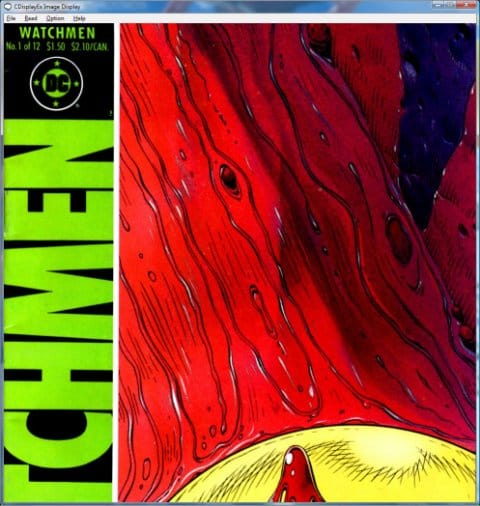
Under the Option menu, you’ll find lots of things. One useful thing is Auto Colors, which you can activate at any time by pressing ctrl+a. This tries to enhance the colors of the images you view. If you want to expand the image to fit your screen, you can go to Option -> Fit -> Portrait -> and click Under Width. See the comparison picture below.

There’s also an Amazon Fire version of CDisplayEx (though it costs $) and a well-reviewed Android version too.
Another app that can open and view .cbr and cbz files is SumatraPDF, which is one of our Windows App of the Month award winners.
Do you use another program to read comics on your computer? Feel free to talk about them in the comments.

